

Ratan 365
Ratan 365
Direct Android download
- Platform
- Android
- Download format
- App
- Installation help
- EN / हिन्दी
For Android phones. Download the app, then install it on your device.
Inside the app
A closer look at Ratan 365.
Explore the app interface before you download.
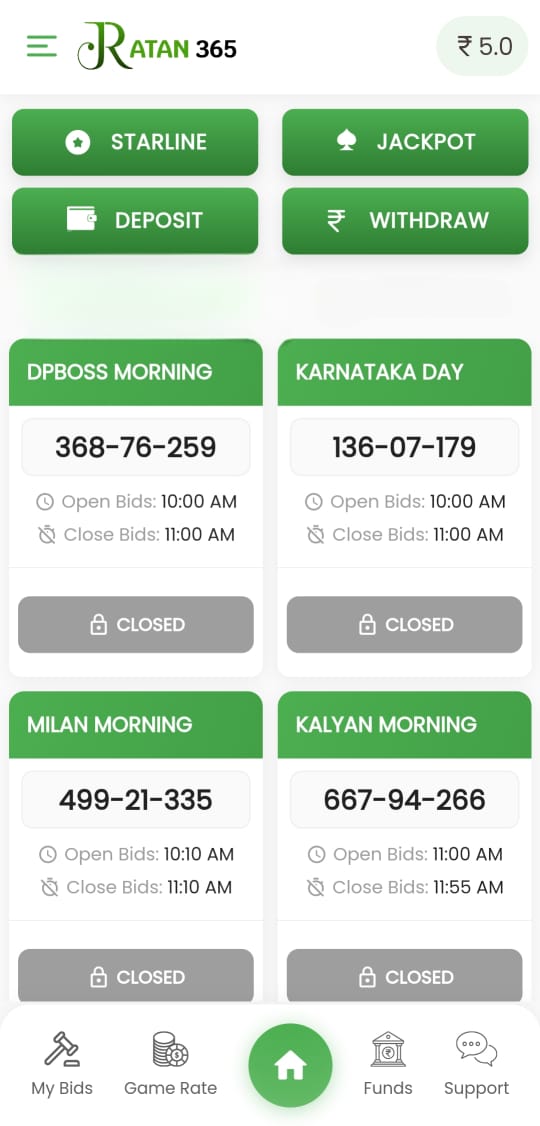
About this app
Get Ratan 365 on your Android phone with a direct app download. Follow the installation guide below to get started, with help available in English and Hindi.
This is the Ratan 365 download website. The app is installed directly, outside Google Play.
How to install
- 1
Download the app
Tap Download App above and wait for the app file to finish downloading. Only use a source you trust.
- 2
Open the downloaded file
Open your browser’s Downloads or your phone’s Files app → Downloads, then tap the downloaded file.
- 3
Allow this installation, if prompted
Android may ask for permission to install from this source. Open Settings and enable ‘Allow from this source’ only for the browser or Files app you used. Names vary by phone.
- 4
Install, then restore the setting
Return to the installer and tap Install, then Open. Afterwards, turn ‘Allow from this source’ off again. Keep Play Protect enabled; if Android flags the file as unsafe, stop instead of bypassing the warning.